Your team is at 85% capacity. An AI Employee frees up the rest.
An AI Employee is a trained digital worker that runs the work your team doesn't have time for: follow-ups, reports, deal updates, inbox triage. It works inside the tools you already run, and it stops to ask when a decision needs a human.


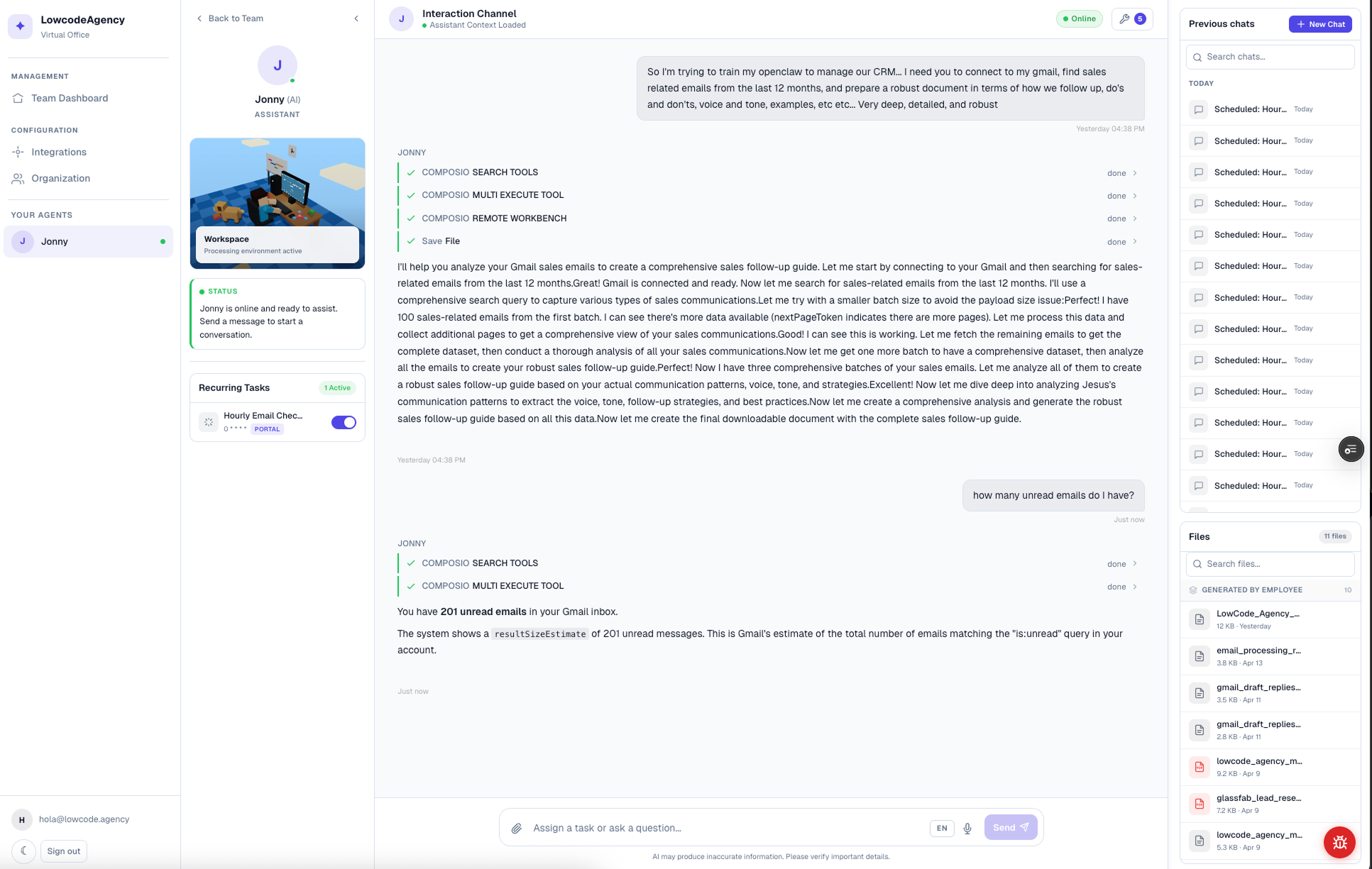
An AI Employee is a trained digital worker that Phos AI Labs builds for one role inside your business. It runs on your own documents, workflows, and voice, and it works inside the tools your team already uses: Gmail, Slack, your CRM, your calendar, your drive. It handles the recurring work on its own schedule and escalates to a human on any decision that isn't its to make.
Why does growing the business always mean growing the headcount?
The work grows faster than the team can absorb it, and hiring is the only lever anyone reaches for.
The pressure to show something
A competitor mentions AI once at a trade show, and the owner comes back wanting something to show by next quarter, with no in-house team that can build past a spreadsheet.
It's a math problem
The real problem isn't effort. A team can only carry so many reports, so many follow-ups, so much context, before something gets dropped.
Another salary for the gap
The default fix is another hire. Another onboarding. Another manager to manage the manager. A new salary for work that shouldn't need one.
How do you get the output of another hire without another hire?
An AI Employee runs the recurring work: reports, follow-ups, deal updates, inbox triage. It stops to ask when a decision needs a human.
An AI Employee has a name, a role, and a defined scope, like anyone else you'd hire. It's trained on your business before it does anything: your workflows, your playbooks, your team's voice.
It works inside the tools you already run, so there's no new system for anyone to log into.
It does the job. It just isn't on payroll.
Built for serious companies. We typically work with businesses doing $5M+, though fit matters more than size.
What does an AI Employee actually do inside your business?
One worker across your whole stack. It drafts, updates, books, and reports without anyone stitching the pieces together. The tools below are examples.
Drafts follow-ups before a lead goes cold and triages the inbox so nothing urgent sits unread for a day.
Slack/Teams
Posts daily updates to the team and answers routine questions without waiting on a human to type a reply.
CRM
Updates deal stages after every call and flags cold leads before a rep notices they've gone quiet.
Drive/OneDrive
Pulls the reports leadership asks for every Monday and reads the SOPs so it never guesses at process.
Calendar
Books meetings across time zones and preps the briefing so nobody walks in cold.
Its own identity
A name, a role, and a scope of its own, so it's a member of the team with a job description, accountable for the work it owns.
These are examples of a typical stack. An AI Employee connects to whatever tools its role actually needs, from a CRM to an ERP to an inventory system.
See an AI Employee working inside a real business.
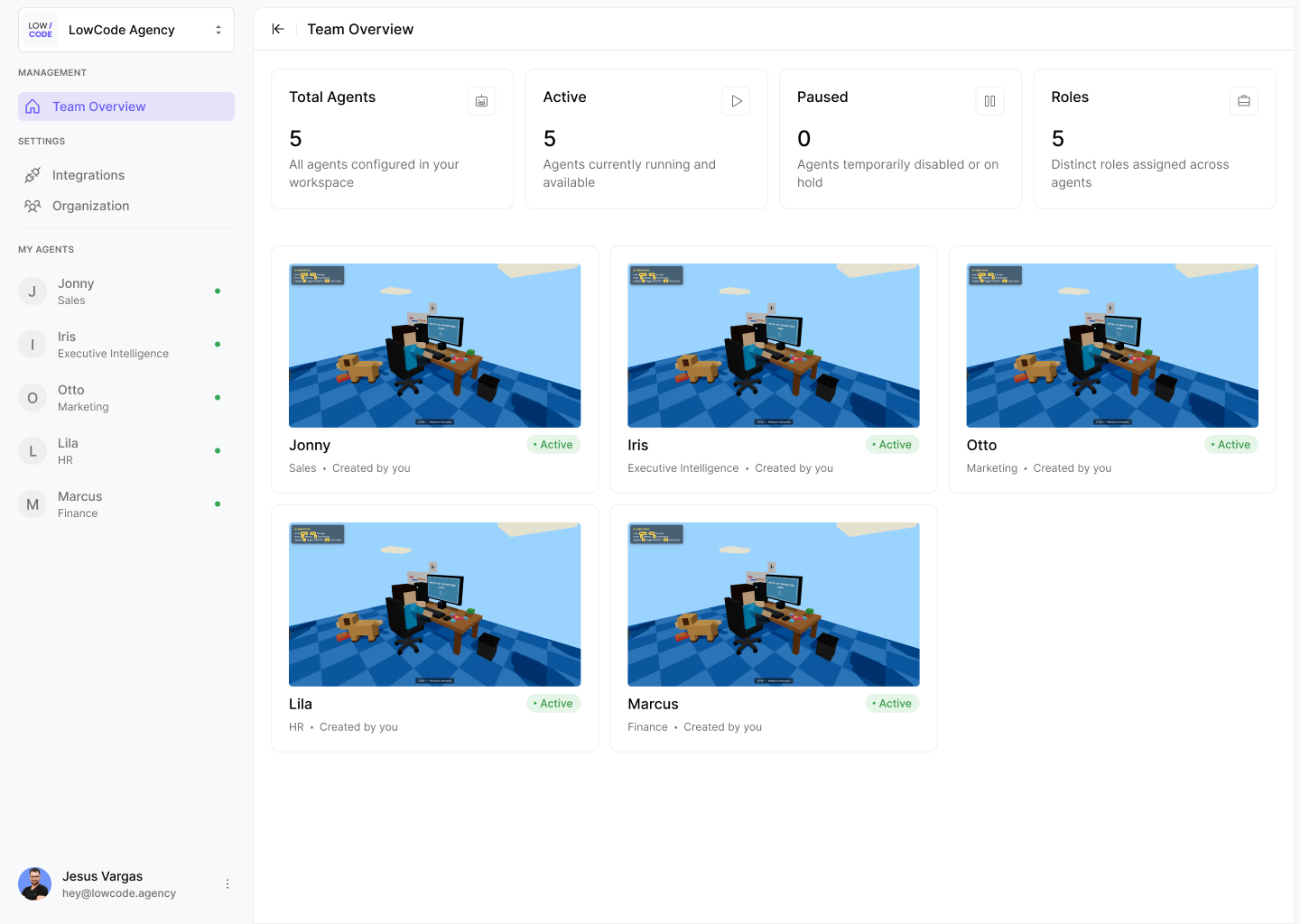
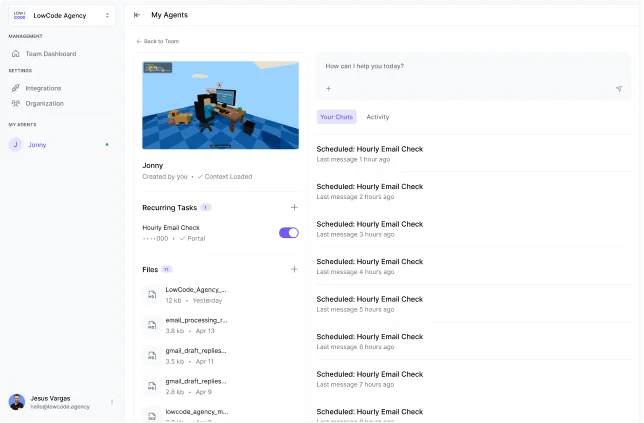
Two short demos. The first shows a single AI Employee, trained on real business context, running recurring tasks and enriching leads on its own. The second shows how you manage a team of them: an executive layer that sets goals, project managers that assign the work, and employees that report back.
Trained on your business, working inside your own tools, on its own schedule.
How does an AI Employee learn your business before it starts working?
The same onboarding a senior hire would get: workflows mapped, processes documented, playbooks ingested, before it sends a single message.
- We map how the work actually happens, the way it runs day to day.
- Your playbooks, your past wins, and your house rules go in before day one. Its voice gets calibrated to match your team's.
- Then we teach it where its judgment ends. That's the line a human always makes the call on.
What makes an AI Employee different from a generic AI assistant?
It has an identity, it gets sharper with every correction, and it knows exactly where to stop.
A real job description
A name, a role, and a defined scope, so it's a member of the team accountable for its work, not a tool bolted onto a workflow.
Sharper with every feedback loop
Every correction gets folded back in, so the tenth report is better than the first.
Knows exactly where to stop
Escalation rules are defined upfront, so it hands off the calls that were never its to make.
Which businesses actually need an AI Employee?
Built on 450+ projects delivered by the LOW/CODE Agency team, 40 of them AI systems in production.
Manufacturing, Logistics & Aviation
Reports, scheduling, and inbox triage handled while a lean ops team stays on the floor.
Legal, Accounting & Financial Advisory
Client follow-ups, document triage, and recurring reports run on schedule, without adding a coordinator to headcount.
Healthcare, Insurance & Real Estate
Scheduling, CRM updates, and client communication handled inside the tools these teams already run day to day.
Construction, Ecommerce & Retail
Order updates, vendor follow-ups, and inventory reports running on their own, freeing the team for the floor or the client.
Agencies, Creative Industries & Large Non-Profits
Status updates, stakeholder follow-ups, and reporting cycles that used to eat a full day, running unattended.
How does an AI Employee connect to the tools your team already runs?
It plugs into whatever your business already runs. These are examples, not a fixed list. An AI Employee can connect to hundreds, if not over a thousand, different products.
Every AI Employee has full context of your business and connects to the same tools its human counterpart would use. Access follows the role. An SDR gets the CRM. An operations assistant might get your ERP, MRP, or inventory system instead. An HR employee gets the HR platform. No two employees carry the same access unless the job calls for it.
These are only examples. Through our integration layer, an AI Employee can connect to hundreds, if not over a thousand, different products, so if your stack includes something specific, it almost certainly connects. Anything with an API is in reach. Access is scoped to the role, and the employee never handles the underlying credentials or API keys.
What can an AI Employee actually see and do inside your business?
Exactly what you allow, scoped by role, with a human on every decision that carries risk.
Scoped by role
You control what each AI Employee can access and what it's allowed to do. Scope is set per role, so an employee reaches only the tools and data its job requires.
Never handles raw credentials
Logins, passwords, and API keys stay behind a secure layer the employee can't expose.
A human on every risky call
Escalation rules are defined before it goes live, so any decision outside its scope stops and routes to a human.
Why not just turn on a generic AI assistant?
A generic assistant waits for someone to open it. An AI Employee shows up on its own, every day.
It runs before anyone opens a chat
An AI Employee checks the systems it's connected to on its own schedule and runs the work it owns before anyone opens a chat window.
It flags what needs attention
It flags what needs attention before the day starts, so nothing waits on someone remembering to ask.
That's the difference between a tool that responds and an employee that shows up.
How long does it take to get an AI Employee running inside your business?
Three to four weeks. The same team that builds it stays through the rollout.
Build first
Your workflows mapped, your knowledge base assembled, the escalation rules set, before anything runs on its own.
Review the early decisions
Your team reviews the early decisions and confirms the escalation rules hold before the AI Employee runs fully unattended. Trust builds on results you can see, one working system at a time.
Start with an AI Audit
For the strongest results, we start with an AI Audit: a short engagement that maps where an AI Employee will move the needle first. The rollout runs in three to four weeks, and the output is noticeably better when the audit comes first. Learn about the AI Audit →
How much does an AI Employee cost?
Priced by role and built to your business. Seat count never changes the number. A single AI Employee is a productized service, so the price follows the role it fills and the work it owns, rather than how many people log in.
per role, all-inclusive · priced by role, never per seat
- Onboarding and training tailored to your business
- A defined identity: a name, a role, and a scope of its own
- Full configuration and integration with your stack
- A knowledge base built from your documents and processes
- Voice calibration so it sounds like your team
- Defined escalation rules and human-in-the-loop guardrails
- Daily reporting on what it did and what needs a decision
- Ongoing maintenance, tuning, and capability expansion
- Monthly performance review and quarterly strategic check-in
No usage fees on top. We scope the role with you on a call.
Everything in the base plan, plus the deployment control, compliance, and integration depth larger teams need.
- On-prem or private-cloud deployment
- SOC 2 and formal security review
- Custom data retention and audit logging
- Deep integration with proprietary or in-house systems
- A team of AI Employees working across departments
- SSO and custom access controls
- Priority support and a dedicated account team
Scoped to your security, deployment, and integration needs.
What happens when two AI Employees replace a fully passive sales pipeline?
For Payroll Mexico, it meant 3–4 qualified prospects delivered every morning and 7 hours of daily overhead eliminated, running on 16 years of their own client data.
Payroll Mexico's pipeline ran entirely on SEO and referrals. Nobody was prospecting, so if a company didn't find them first, they never heard from them. Every client question meant opening four separate systems to piece together an answer. Phos AI Labs built two AI Employees to fix both: an SDR that scores prospects against sixteen years of real client history, and an Operations Assistant that pulls full context into every ticket automatically.
The owner still approves every proposal and every outreach. The AI surfaces and prepares. The human decides.
"I set up two recurring tasks, one daily, one weekly. The daily scrapes LinkedIn job postings, the weekly tracks press releases about companies expanding to Mexico. We have a bunch of leads to follow. I don't know how Phos AI Labs does this. I am amazed."
— Franklin Delano Frith II, Owner, Payroll Mexico · Read the case study →
of client data scoring every prospect
qualified prospects delivered
of daily overhead eliminated